How I Used AI to Turn 310 Medium Articles Into a Usable Content Library
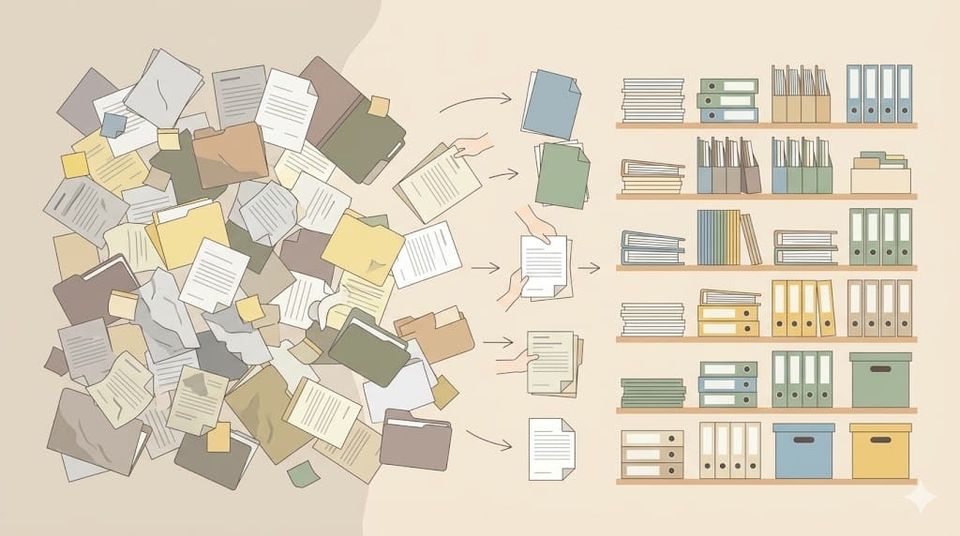
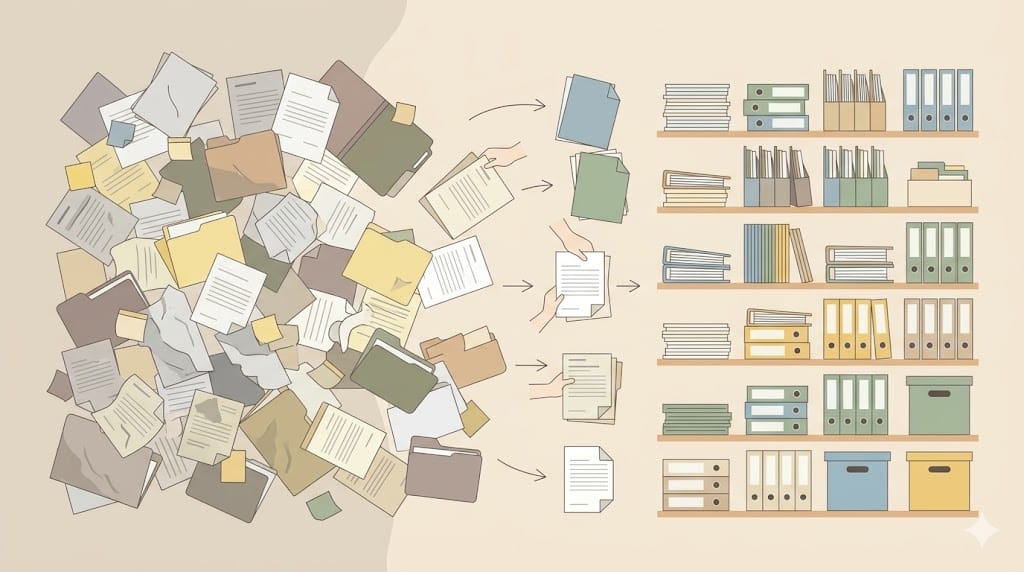
When I decided to stop building on rented land and move to my own platform, I ran straight into a problem I had not anticipated.
Over two and a half years, I had published 310 articles on Medium. Before I could build anything new, I needed to know what I already had. Which articles were strong enough to carry over? Which ones had a good core but needed rethinking for a different platform? Which were so Medium-specific that they had no life elsewhere? And which ones should I quietly retire before new readers found them?
Reading 310 articles and making editorial judgments on each one is weeks of work. And it is the kind of work that would have kept me from actually building anything.
So I brought in AI. Within a few hours, I had a structured index of my entire archive, a clear framework for deciding what to do with each article, and three insights about my own writing that I had never consciously seen before.
Here is what I did, what I found, and how you can run the same process on your own archive.
Why the audit comes first
If you are moving from Medium to your own platform, or simply trying to understand what you have built over years of publishing, the archive audit is not a nice-to-have. It is the foundation.
Without it, you face two bad options. You ignore your existing work entirely and rebuild from scratch what you already have. Or you import everything indiscriminately and arrive at your new platform carrying articles that do not belong there.
The audit answers four questions before you build anything: What do I have that is worth something? What needs reworking? What can I mine for material without reusing directly? And what should I leave behind?
Those are editorial decisions. AI cannot make them for you. What it can do is handle the reading, the categorizing, and the pattern recognition that would otherwise take weeks.
What I actually found
Before walking through the method, it is worth saying what the process revealed. Not because the findings are universal, but because knowing what kind of result is possible changes how seriously you take the steps.
Three things surfaced that I had not expected.
My writing had improved significantly over time. The early articles from 2024 were reactive and relied heavily on external quotes as a backbone. The 2025 and 2026 articles had a more distinctive analytical voice. Seeing that progression clearly told me which older articles were worth salvaging and which were better left behind.
My archive had a structural gap. I had written extensively about writing itself and about AI developments. Almost nothing about the practical infrastructure of the solopreneur, which is precisely what my new platform is built around. The gap was a direct pointer to what I needed to write first.
There were patterns I had never consciously noticed. The AI identified connections between articles I had written years apart with the same underlying argument appearing in completely different contexts. Some of those connections became the starting point for new articles.
The archive audit does not just tell you what you have. It tells you who you have been as a writer, and where the gaps are.
Step 1 — Export and convert your archive
Medium lets you export your complete account data. Go to your account settings, find the security and apps section, and request a data export. Medium will email you a download link within a day.
The raw export is a ZIP file of HTML files, one per article. Useful for archiving, not for analysis. The HTML is full of Medium's presentation layer and impossible to work with efficiently.
This is where Meddler comes in. Meddler (meddler.fyi) is a free tool that converts your Medium HTML export into clean Markdown files. When you run it, choose these options: YAML format, which adds structured front matter to each file with title, date, slug, and canonical URL; download images locally, so your images are bundled with the export rather than pointing at Medium URLs that will eventually break; and organise images per post into subdirectories, which creates a clean folder structure rather than a flat pile of image files.
After running Meddler, you have a folder of clean Markdown files with their metadata intact. That folder is what you feed into the analysis.
Step 2 — Set up the analysis
I ran the analysis using Claude Desktop with Filesystem access. That meant pointing Claude at the folder and letting it work through all 310 files in batches while I refined the categories in real time. The scale advantage is significant. The whole process ran across a single session, iteratively. I asked questions, Claude read files, I adjusted the categories, Claude updated the index.
If you do not have Claude Desktop set up, the web version of Claude, Gemini, or ChatGPT works too. The methodology is identical. The practical limit is around 30 to 50 articles per session before the context becomes unwieldy, so work in batches by topic or time period. For output, ask Claude to generate the index as a Markdown artifact you can download, or ask any tool to generate a downloadable file directly in the chat.
The Desktop setup is worth having if you plan to do this kind of work regularly. For a one-time audit, the web version is fine.
Step 3 — Run the analysis
The analysis has five stages. Each builds on the one before.
Start by asking for a topic overview:
"I have uploaded [X] articles from my Medium archive. Read them and group them by topic. I want to understand which subjects I write about most, and which are relevant to [describe your new platform or focus]."
Once you have the topic groupings, drill into relevance:
"Based on those categories, which articles fit within [describe your platform's focus]? Use these criteria: [describe what your platform covers and what it explicitly does not cover]."
Then assign a usability status to each relevant article. I used four categories: direct use (strong content that works as a foundation after rewriting for my platform's style), rewrite (good idea or angle but needs a fundamental shift in perspective), source material (not suitable as a standalone piece but contains observations or insights I can draw on in new articles), and out of scope (does not fit my platform at all).
"For each relevant article, assign one of four statuses: Direct use, Rewrite, Source material, Out of scope."
Add a quality layer:
"Now rate each article for quality: three stars for strong — distinctive voice, clear argument, durable content; two stars for workable — interesting core but weak execution or dated context; one star for weak — too thin, too platform-specific, or no distinctive perspective."
The final prompt is the most valuable one:
"Looking across all these articles: which topics do I return to repeatedly? Which topics are absent that you would expect given my focus? And are there unexpected connections between articles that I might not have noticed?"
This last step is where the structural gap in my archive surfaced. It is also where the unexpected connections appeared. Do not skip it.
Step 4 — Build the index
The output of the analysis should not stay in the chat. Turn it into a structured reference document you can use every time you sit down to write.
Ask your AI to generate a table for each relevant category with four columns: article title or link, quality rating, assigned approach, and a one-sentence summary of the core idea.
Keep this index in your notes system, I keep mine in Obsidian. It becomes your content map. When you start a new article, you open the index, search for the relevant topic, and immediately see which existing pieces can inform it.
What AI cannot do here
The analysis is only as useful as the editorial judgment you bring to it.
AI can read, categorise, and surface patterns. It cannot decide what your platform stands for, what your audience actually needs, or whether a particular article captures something worth preserving. Every status and rating it assigns is a starting point, not a verdict.
What the process does is remove the scale problem. Instead of facing 310 articles with no idea where to start, you face a structured index and a defined set of decisions. That is not a small thing.
The archive as a mirror
Moving from a rented platform to one you own is not just a migration. It is an editorial act. You are deciding, deliberately, what represents you and what does not.
The archive audit makes that decision concrete. With AI handling the reading and categorizing, the work takes an afternoon instead of weeks. What you get at the end is not just a usable content library. It is a clear picture of who you have been as a writer, and a sharper sense of what you are building toward.
This article is part of the Content Operating System series on The Carefree Navigator.